You’re ready to read along.
Welcome to YT Transcript. Here’s how to get started.
01 Pin YT Transcript in Chrome
If you have installed the extension, open Chrome’s Extensions menu (the puzzle icon). Find YT Transcript and select the pin so it’s easy to find. Need the extension? Open the Chrome Web Store ↗
① Open Extensions
② Pin YT Transcript
02 Open a video. Get the transcript.
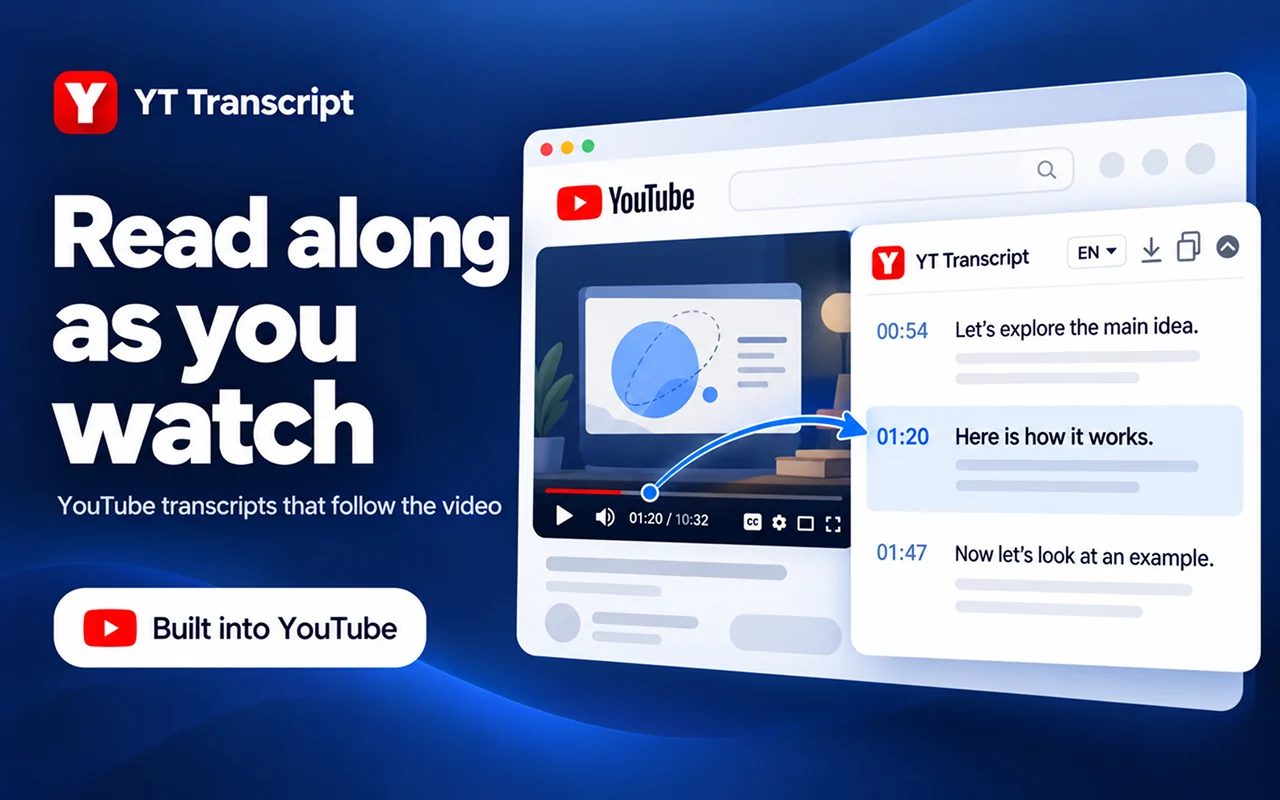
On a YouTube watch page, find the YT Transcript panel and select Get transcription. Read along, jump to a timestamp, or choose an available caption language. Videos need accessible captions.
03 Copy it. Download it. Keep it.
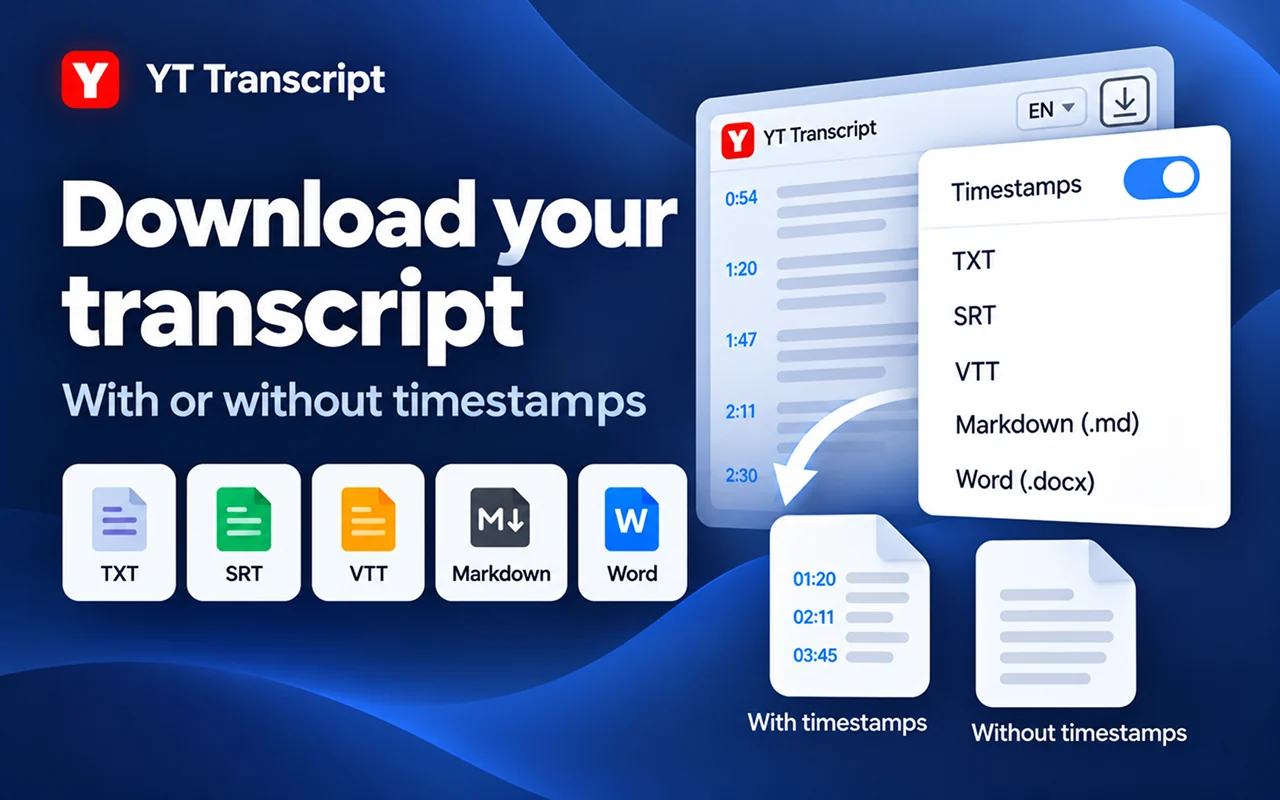
Copy the transcript or export TXT, SRT, VTT, Markdown or Word from the extension. Choose whether to include timestamps in supported text formats.